
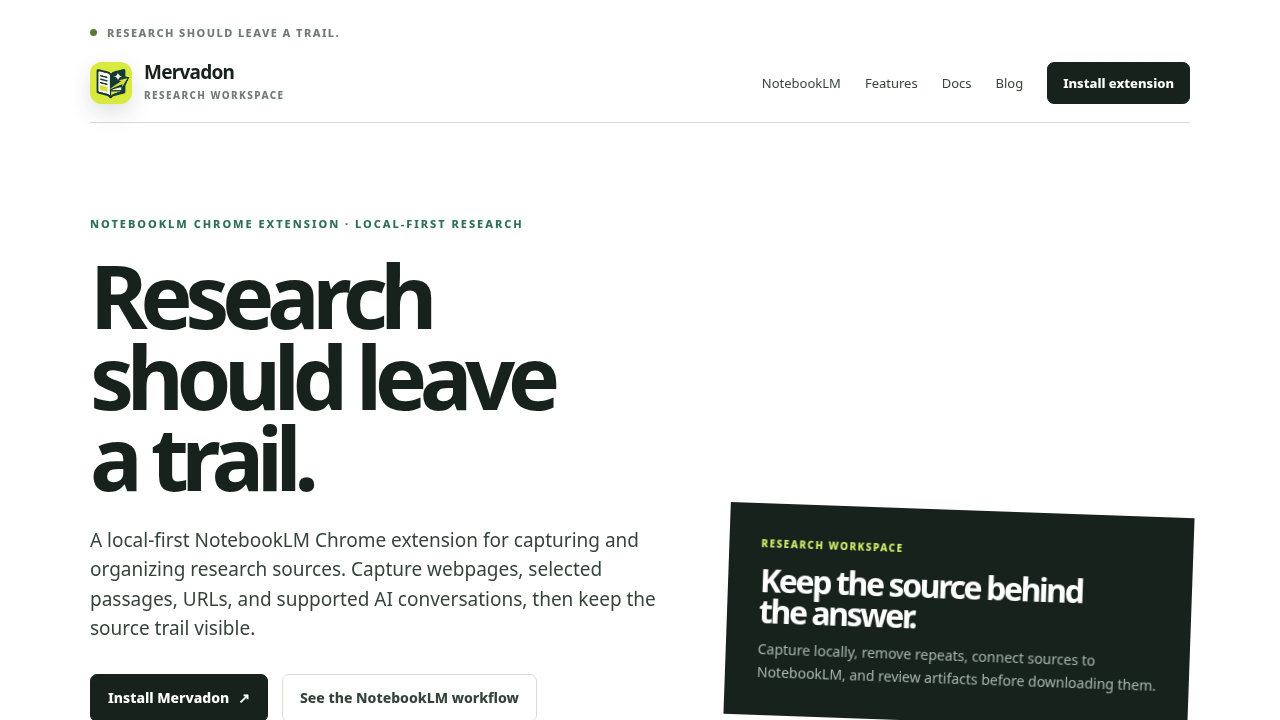
Mervadon Feature Overview: A More Reliable Way to Bring Web Research into NotebookLM
When you use NotebookLM for research, asking questions is often not the most time-consuming part. Preparing the sources comes first, and that is where much of the work happens. You may find yourself m